Loading

FactoryTalk Optix Software Platform

Revolutionizing Visualization, IIoT, Edge, Data Management
Try it now
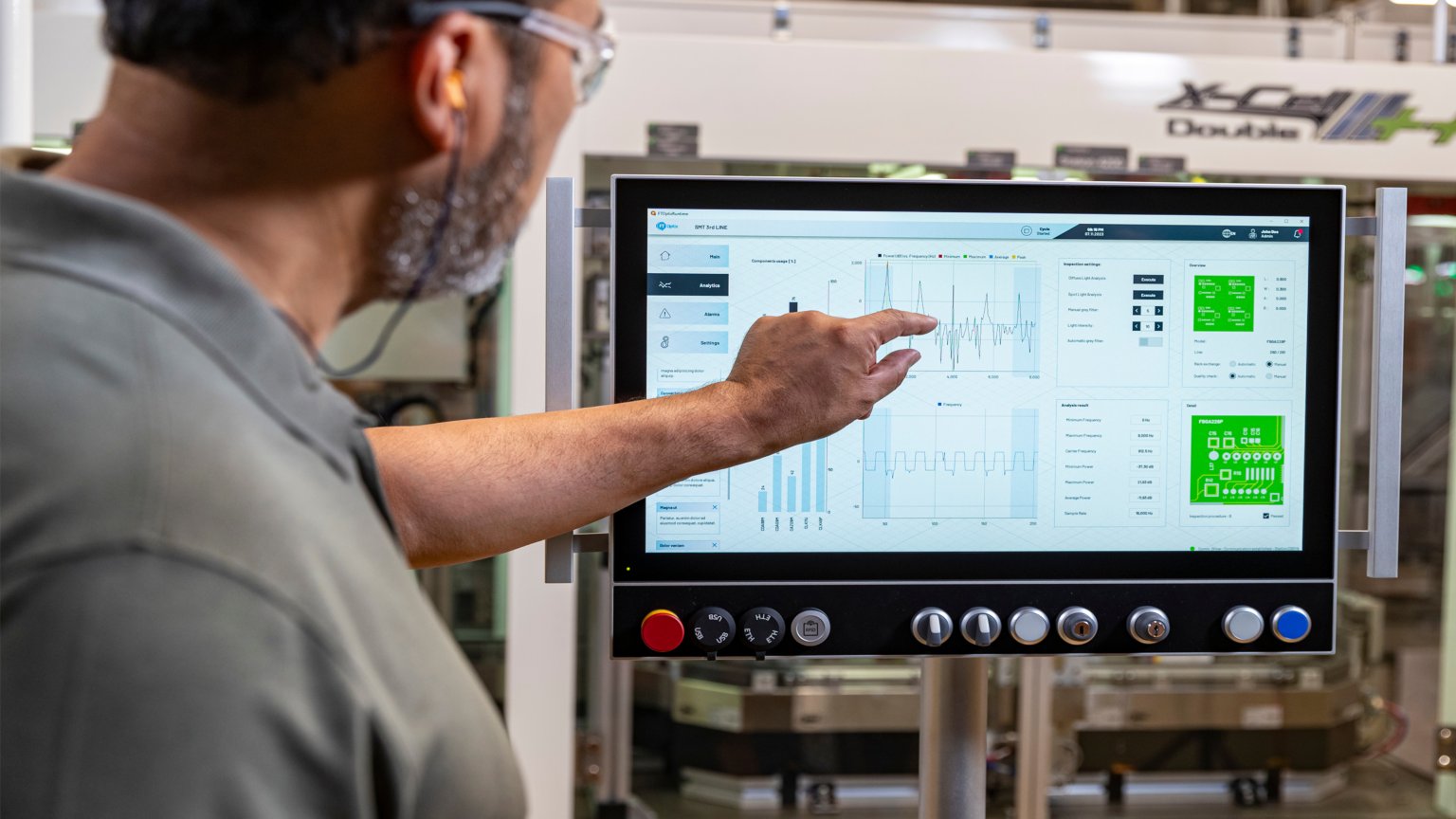
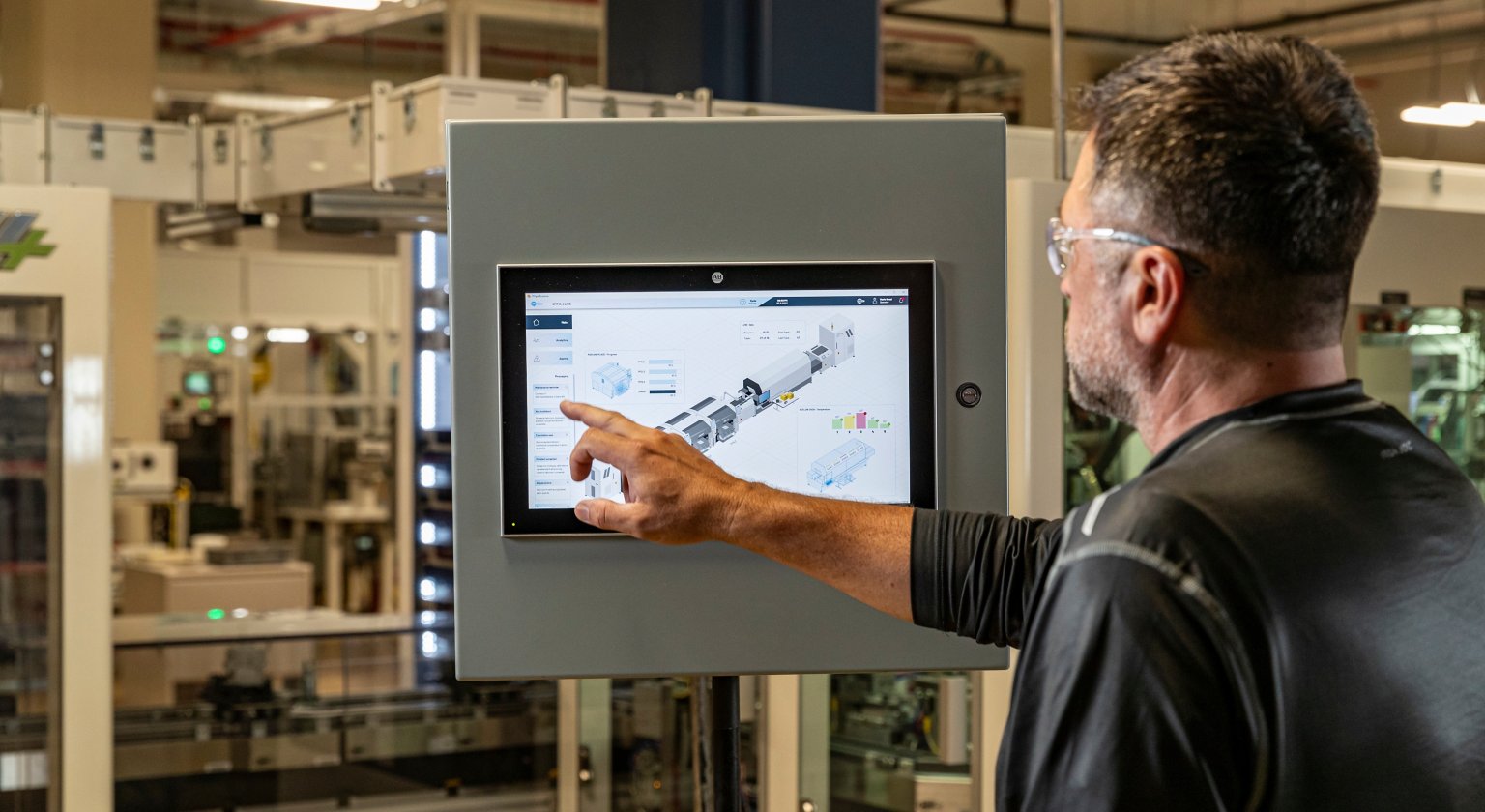
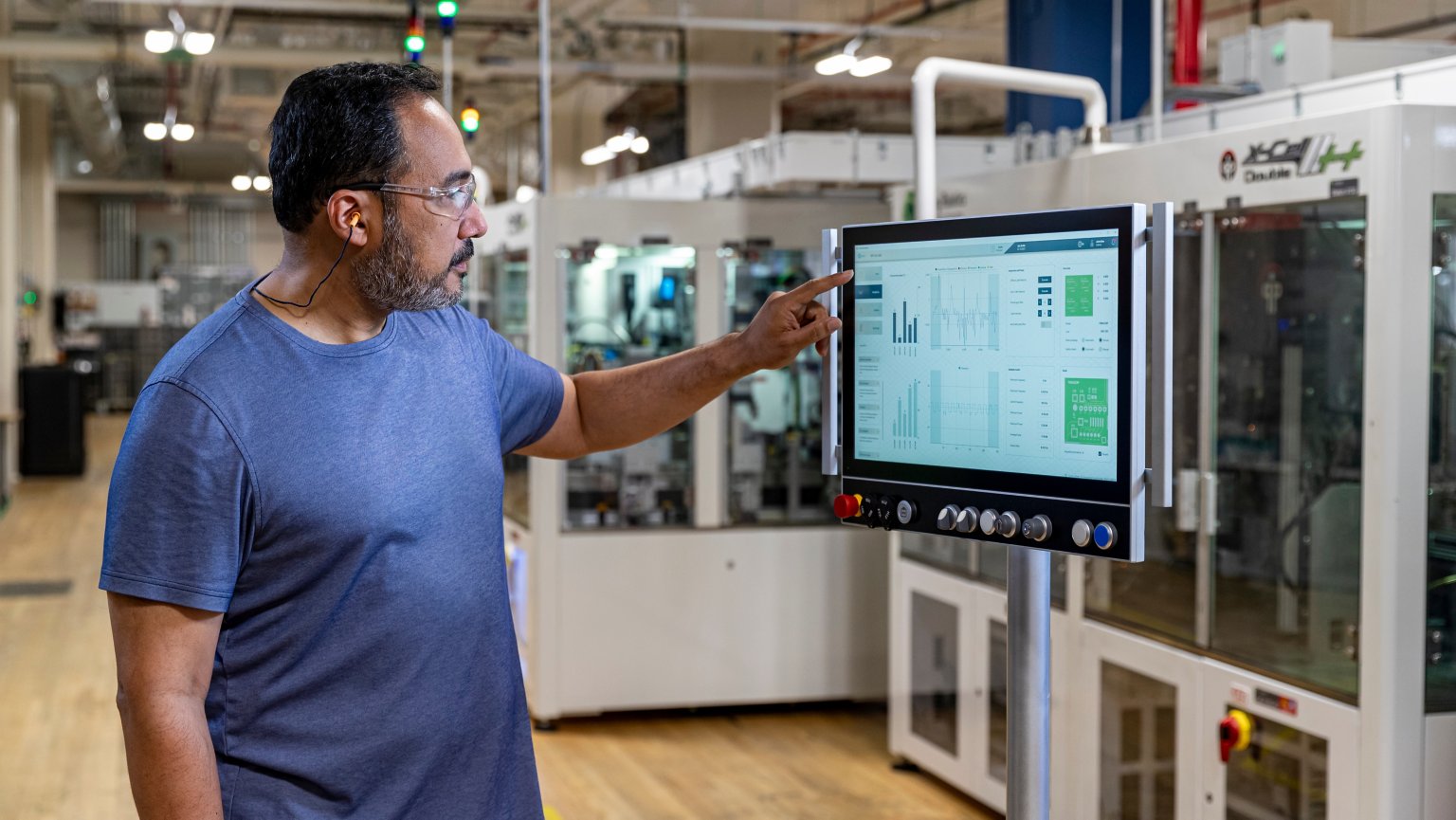
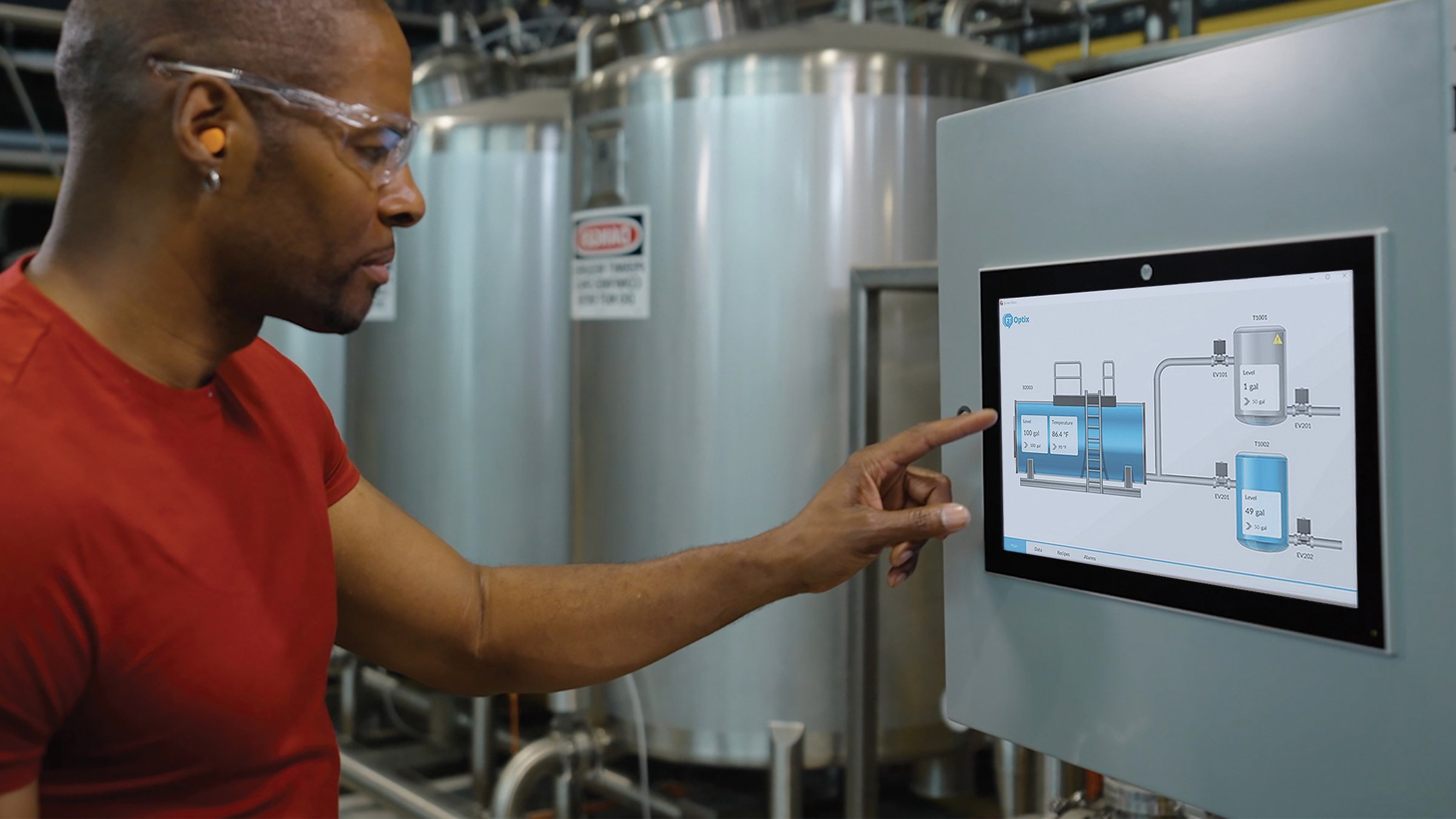
Man pointing to touch screen on a FT OptixPanel in a factory.
Cloud Manufacturing Software
    • FactoryTalk DataMosaix
    • FactoryTalk DataMosaix
    • FactoryTalk Energy Manager
    • FactoryTalk Energy Manager
    • FactoryTalk Hub Design Software
    • FactoryTalk Hub Design Software
    • FactoryTalk Design Studio
    • FactoryTalk Design Studio
    • FactoryTalk Vault
    • FactoryTalk Vault
    • FactoryTalk Optix Portfolio
    • FactoryTalk Optix Portfolio
    • FactoryTalk Optix
    • FactoryTalk Optix
    • FactoryTalk Remote Access
    • FactoryTalk Remote Access
    • Fiix CMMS
    • Fiix CMMS
    • Plex Asset Performance Management
    • Plex Asset Performance Management
    • FactoryTalk GuardianAI
    • FactoryTalk GuardianAI
    • Plex MES
    • Plex MES
    • Plex Quality Management System
    • Plex Quality Management System
    • Plex Production Monitoring
    • Plex Production Monitoring
    • Plex Production Monitoring
    • Plex Production Monitoring
    • Login to FactoryTalk Hub
    • Login to FactoryTalk Hub
    • FactoryTalk Optix Technical Resources
    • FactoryTalk Optix Technical Resources
    • Knowledgebase
    • Knowledgebase
    • FactoryTalk Hub YouTube
    • FactoryTalk Hub YouTube
    • FactoryTalk Design Studio YouTube
    • FactoryTalk Design Studio YouTube
    • FactoryTalk Optix YouTube
    • FactoryTalk Optix YouTube

Welcome to FactoryTalk Optix, our new platform that enhances your HMI and data visualization experience and also augments your capabilities in Industrial Internet of Things (IIoT), edge computing, and data management. FactoryTalk Optix accelerates value delivery by leveraging modern technologies, innovative designs, and scalable deployment options.

Improving Processes, Efficiency and Deliverables

FactoryTalk Optix can help improve your process, efficiency and deliverables – in one easy-to-access tool. Take advantage of new levels of collaboration, scalability, and interoperability to achieve your digital transformation vision.

New SaaS-enabled workflows will enable your team to collaborate any time, from anywhere, thanks to built-in change tracking and versioning that automatically keeps track of who did what and when.
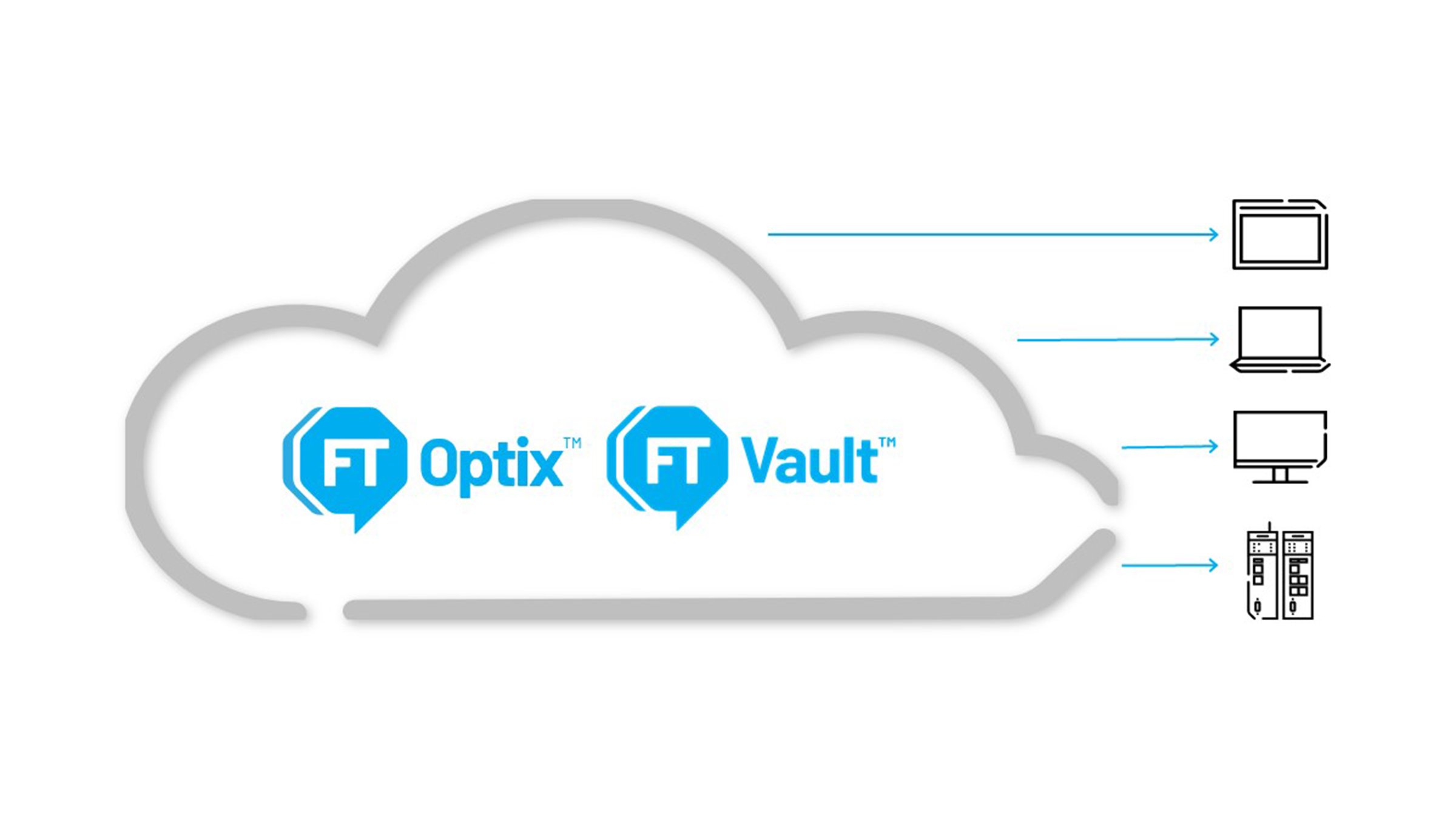
Improve collaboration, scalability and interoperability to achieve your HMI vision with FactoryTalk Optix and Vault
Video
Visualization for Visionaries

Watch how you can use FactoryTalk® Optix™ to deploy to operator panels,  industrial PCs or virtual machines running Windows or Linux.

Why FactoryTalk Optix?

Design Options

Web-based design & test
Multi-user collaboration
Integrated version management
Dynamically built projects

Deployment Options

Panel • Station • Web Clients
Supports Windows and Linux
Flexible host hardware
Pay only for what you use

Graphics Options

Responsive graphics
Multi-language
Style sheets
Reporting and dashboarding

Extensible Options

Library management
Complete OPC UA support
C# scripting capabilities
Native 3rd-party drivers

Edge & Data Options

Native IIoT connectivity & Edge Protocols
Data enablement
Object-oriented modeling
Data visualization tools for Insights

Explore FactoryTalk Optix

Learn more and get started with FactoryTalk Optix today

Streamline your HMI Design
Video
Streamline your HMI Design

Design a modern, intuitive HMI with FactoryTalk Optix, an HMI visualization platform that delivers unmatched flexibility, scalability and interoperability. Object-oriented design helps reduce development time, and built-in collaborative tools empower teams to work together more easily.

Watch Now
Achieve Your HMI Vision
A man using Optix software on the OptixPanel Graphics Terminal
eBook
Achieve Your HMI Vision

Benefit from components designed for the development and programming of intuitive, easy-to-use industrial applications. FactoryTalk Optix delivers value with modern technologies, collaborative design and scalable
deployment options.

Read Now
YouTube How-to Playlist
FactoryTalk Optix Playlist
Video
YouTube How-to Playlist

Don’t wait any longer and get designing, testing and deploying applications with new collaborative workflows directly from a web browser. Check out our how-to video series to see how easy it is to get started.

Watch Now
TRY IT NOW

HMI Buyer’s Guide

Selecting an HMI is all about tailoring a system to your unique business needs, and today that is more possible than ever before.

The evolution of HMI technologies has laid the groundwork for some of the most important advancements in industrial automation. A modern HMI seamlessly integrates with production hardware and software, contextualizes and visualizes production data in intuitive ways, and helps make that data readily available for better-informed decisions.

Download our guide for some key considerations around HMI features, capabilities and associated benefits so you can make the right decision for your needs.

Selecting the Best HMI Solution for Your Business
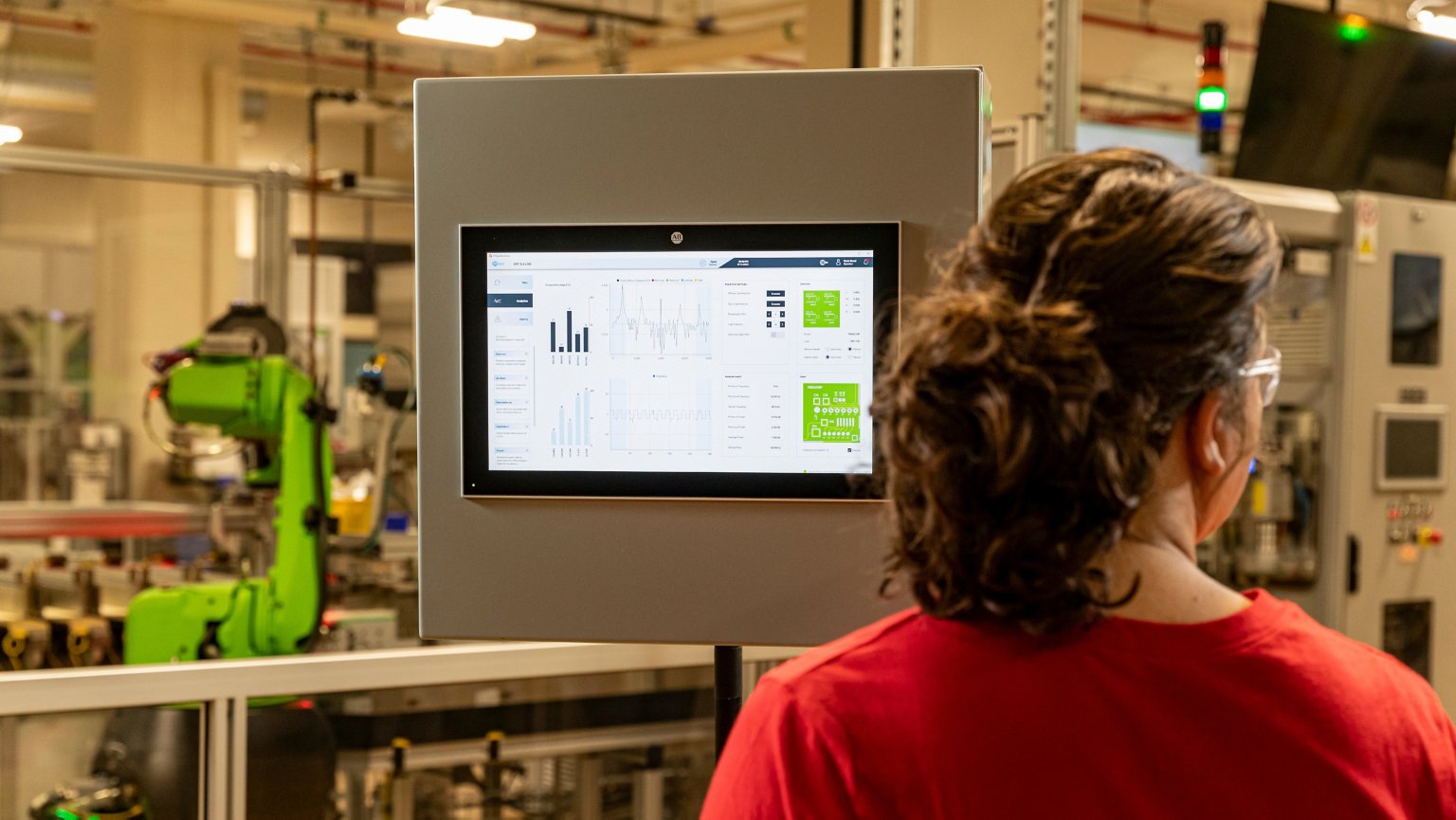
Operator using FactoryTalk Optix software on a FactoryTalk Optix Panel.
Report
Selecting the Best HMI Solution for Your Business

Dive into some key considerations around HMI features, capabilities and associated benefits to help you make decisions for building an HMI system.

Learn More

Learn from the Experts

Watch our free webinars to learn more about FactoryTalk Optix.

Revitalize Your HMI Operations Webinar Series
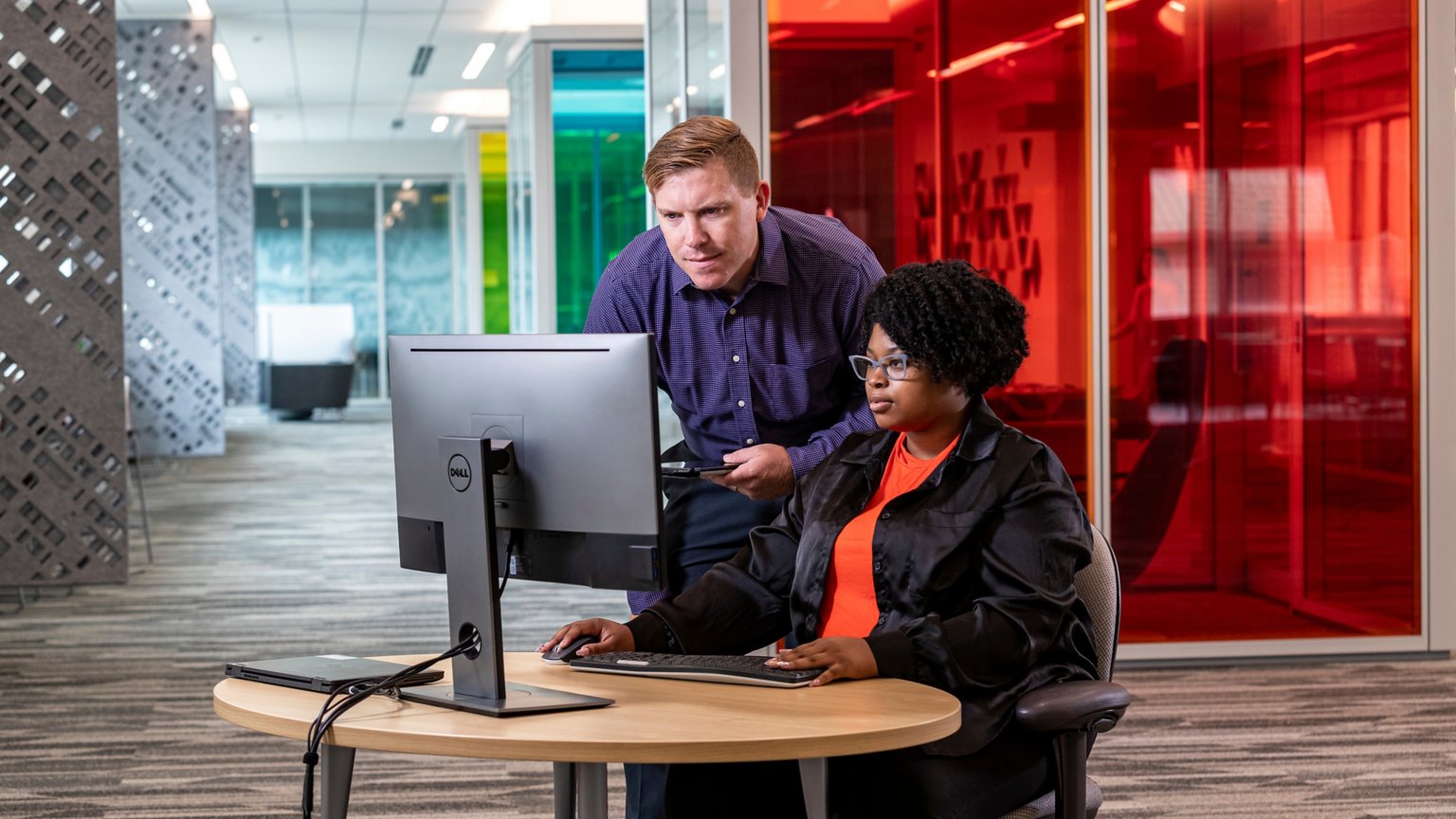
Two people looking at a screen in a conference area
On-Demand
Revitalize Your HMI Operations Webinar Series

Learn how the FactoryTalk Optix end-to-end HMI solution can revitalize HMI operations across the equipment lifecycle

Duration: 60 minutes

Language: English

Watch Now
Unlock the Future of Industrial Automation with FactoryTalk View
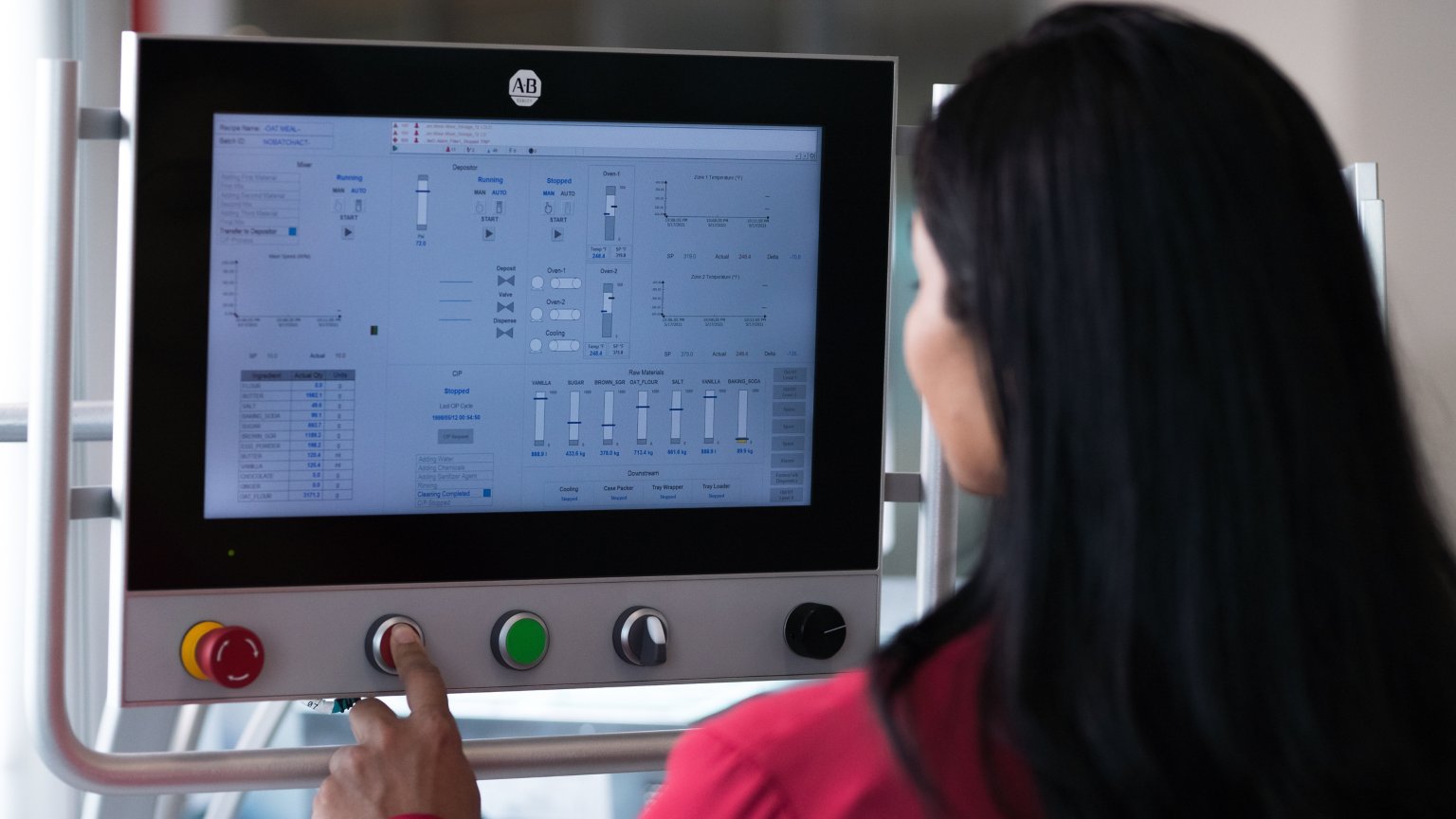
Woman with back turned presses button on Allen-Bradley HMI device
On-Demand
Unlock the Future of Industrial Automation with FactoryTalk View

Discover the latest advancements in our HMI Application

Watch Now

Benefit from the end-to-end capabilities of the FactoryTalk Optix portfolio

  • Video
    What Customers Are Saying

    See how customers like you are achieving their HMI vision.

    Learn More
  • FactoryTalk Optix Portfolio
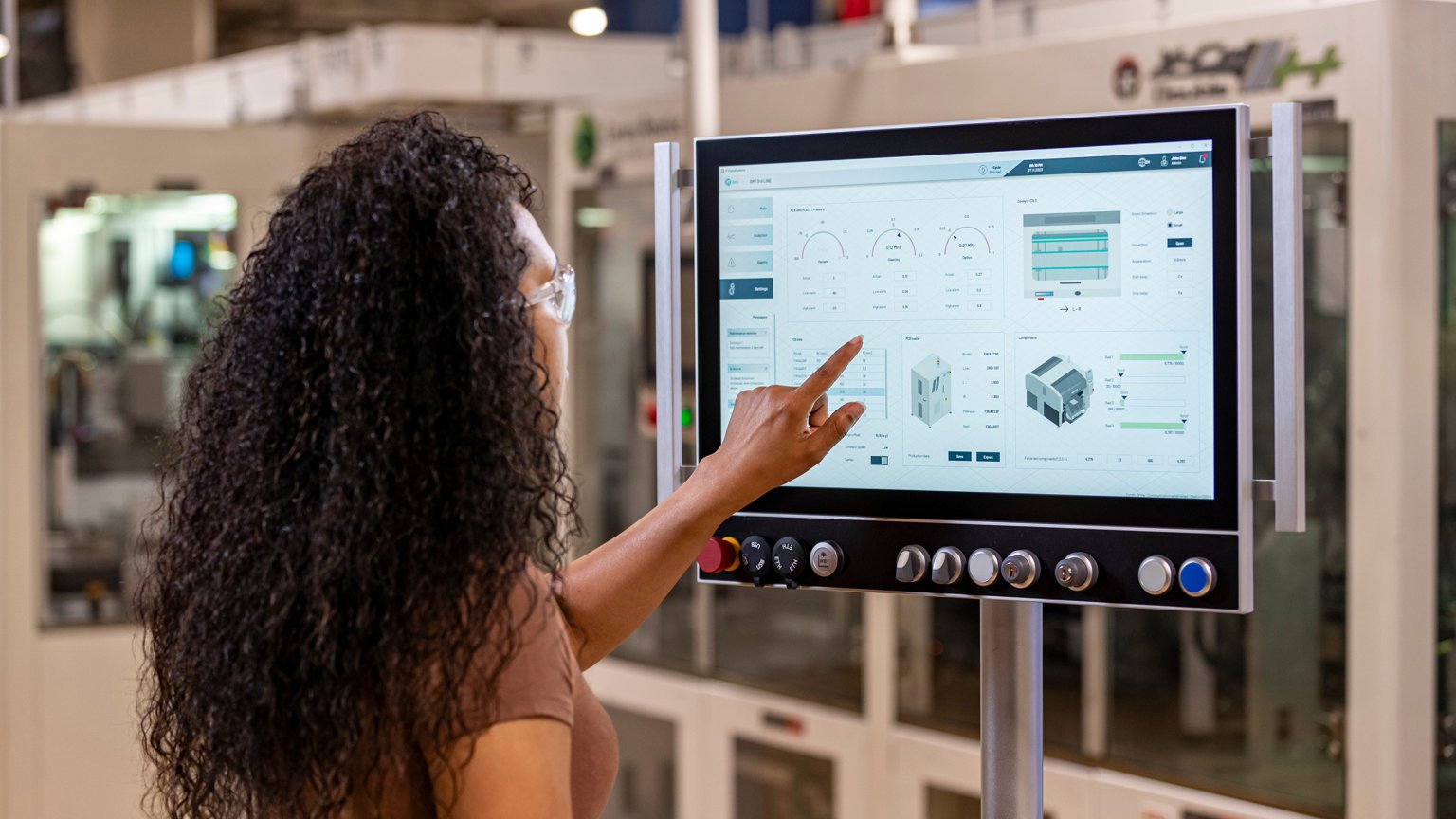
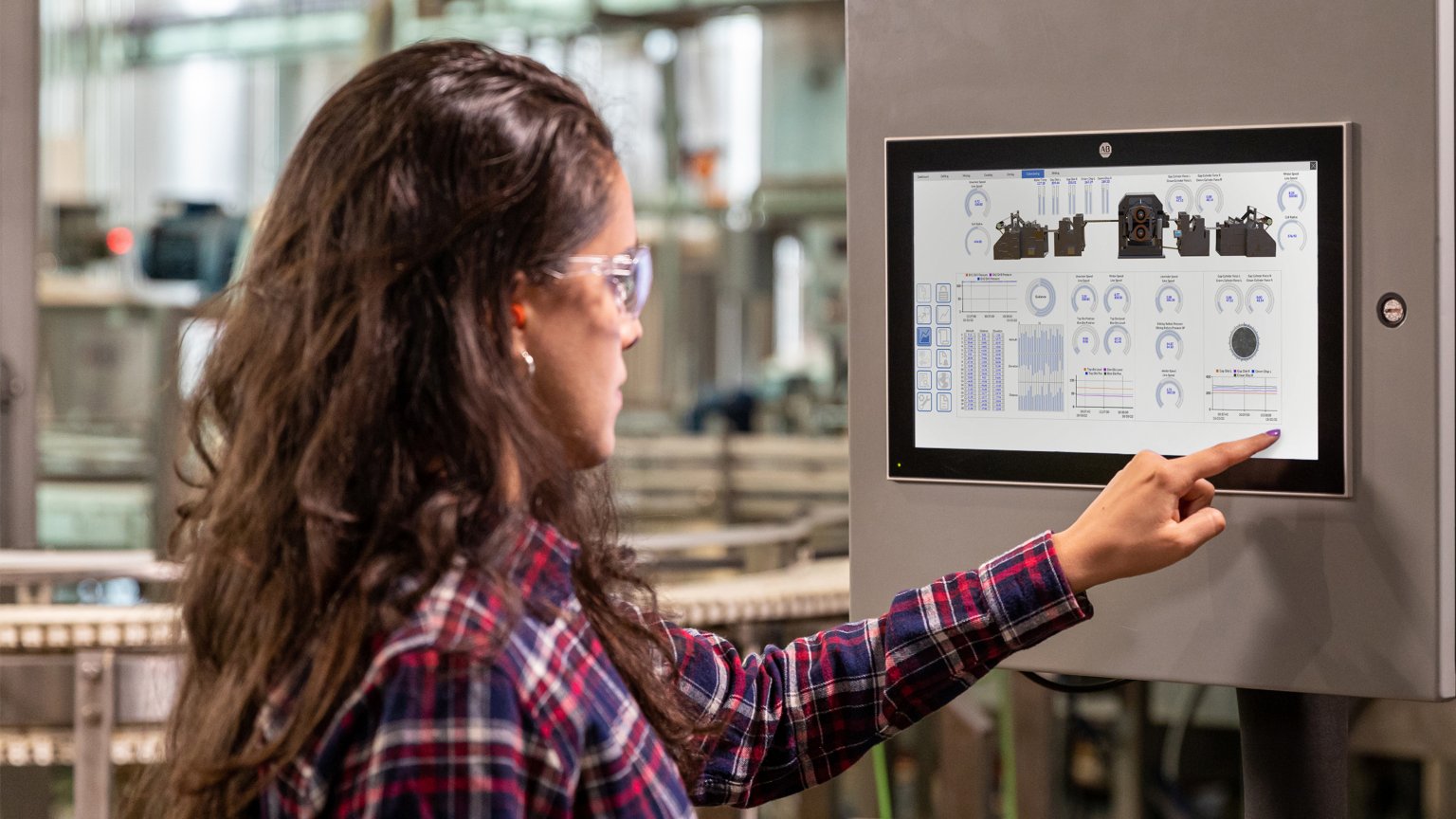
    A woman wearing protective goggles in a factory setting uses a touchscreen panel to control industrial equipment. OptixPanel
    Solutions
    FactoryTalk Optix Portfolio

    Unlock new possibilities for your HMI and IIoT solutions with the FactoryTalk Optix portfolio: hardware and software designed for openness and flexibility.

    Learn More
  • Unlock New Possibilities in HMI
    Video
    Unlock New Possibilities in HMI

    A better approach to HMI is possible with FactoryTalk Optix Portfolio. Support customers across industries with a portfolio built for openness and extensibility.

    Learn More
  • Video
    How to Choose the Best HMI Solution

    Selecting an HMI is all about tailoring a system to your unique business needs, and today that is more possible than ever before. Watch the video to learn some key considerations around HMI features and capabilities.

  • Revolutionizing the World of HMI
    Worker using Optix Software
    Blog
    Revolutionizing the World of HMI

    Dive into the realm of modern HMI software and explore how it is revolutionizing the roles of software designers and operators within organizations.

    Read Now
  • Accelerating Digital Transformation
    Operator using Optix
    Blog
    Accelerating Digital Transformation

    Explore how visualization software and HMI technology enable transformation through an open, agnostic system that facilitates collaboration.

    Read Now
  • Revitalize Your Operations
    Operator using FactoryTalk Optix software on a OptixPanel
    Blog
    Revitalize Your Operations

    Explore six ways in which visualization software and HMI technology are assisting digital transformation and revitalizing operations.

    Read Now
  • Video
    Top 3 Reasons OEMs Choose FactoryTalk Optix

    Discover the top 3 reasons leading OEMs like Delkor and Aagard are choosing FactoryTalk Optix for their HMI operations. Hear about the benefits they have seen with real results while using software and hardware from Rockwell Automation.

See what customers are saying about the FactoryTalk Optix portfolio

  • Hopak Machinery Implements Smart Solutions to Develop Intelligent Packaging Machine
    Hopak Machinery Implements Smart Solutions to Develop Intelligent Packaging Machine
    Case Study
    Case Study
    Hopak Machinery Implements Smart Solutions to Develop Intelligent Packaging Machine
    The comprehensive smart mechanical solution helps Hopak Machinery overcome space, cost and data collection challenges.
    Read Now
  • Wulftec logo
    “The FactoryTalk Optix portfolio is a gamechanger. It is an open solution that offers flexibility with a future-ready approach, and it allows us to design more innovative equipment faster through multi-user collaboration, web-based design and testing, as well as integrated version control. The FactoryTalk Optix portfolio is a big plus for us and we are very excited to have it standard on our machines.” 
    Guy Lopes - Wulftec International
  • BW Packaging logo
    “FactoryTalk Optix has given us the extensibility to build a better user experience into our HMI’s and focus on our customers’ needs with a familiar and trusted brand.”
    Joe Ambrose - BW Packaging Systems 
  • "Optix has allowed us to stop asking ‘can we?’ and start asking ‘how do we with Optix.”

    Jim Tolbert - Senior Controls Engineer, Tessy Automation
  • “FactoryTalk Optix enhances user experience with intuitive design tools and easy deployment across various devices, making it a versatile choice for modern HMI solutions.” 

    Christian Davis - Senior Software Engineer, Barry-Wehmiller Design Group
  • “The flexibility of the FactoryTalk Optix platform is very exciting for us. As a Middleby brand in the food processing division, we are always looking for the best way to be flexible and integrate our machines with other equipment.” 

    Miguel Negre - Controls Engineering Manager, Drake
  • “[Using] scrolling menus, being able to stack and expand [objects] were ways we could simplify each of our screens and make management of the information we're putting on those screens more accessible and usable, not only for our customers but also our controls team doing design work.” 

    Shawn Cheney - Chief Controls Engineer, Pearson Packaging​
  • Video
    What Customers Are Saying

    See how customers like you are achieving their HMI vision.

    Learn More

Explore more and get started with a flexible, intuitive HMI, IIoT and edge solution.

  • Video

    See how visualization products provide a rugged industrial computing platform for critical infrastructure and analytical solutions.

  • Video

    See how OptixPanel™ graphic terminals is an all-in-one solution that’s ready to run at first power-up and costs less than an industrial PC. 

  • Video

    Learn more about flexible deployment choices, including dedicated panels and industrial PCs, to support a wide array of applications.

  • Video

    See how FactoryTalk Optix assists companies like Delkor.

  • Video

    Watch how companies like DMC benefit from our HMI solutions.

  • Video

    Learn how our HMI portfolio help companies like LSI, Revolution Group.

  • Video

    See how Powerhouse Controls helps their customers by using FactoryTalk Optix.

  • Video

    Watch how FactoryTalk Optix helps Pyure solve their customers most challenging problems.

  • Video

    Watch how companies like Sinci utilize HMI solutions to help their customers.

  • Video

    Learn how FactoryTalk Optix assists companies like Wunderlich-Malec help their customers.

  • Video

    Learn how our HMI portfolio help companies like West Engineering.

Check this out from Rockwell Automation. I thought you'd find it interesting:
Explore more
Learn more about how you can build flexible, intuitive HMI, IIoT and edge solutions.

Explore more

Learn more about how you can build flexible, intuitive HMI, IIoT and edge solutions.
Continue Reading
Video
Run FactoryTalk® Optix™ Software on Your Choice of Hardware.
Video
FactoryTalk Optix Software Video
Page
Embedded Edge Compute Module
Explore embedded edge compute capabilities that integrate control and analytics to support scalable, secure, and responsive automation systems.
Page
FactoryTalk Remote Access Solution
With the FactoryTalk® Remote Access™ solution, you don’t have to travel to manage machines. Discover a faster way to deliver support, from anywhere.

Why Cloud?

Arrow chart performance

Accelerate Time to Value

Harness the cloud and become more agile by deploying quickly and scaling based on demand. Use the increased efficiency to beat competitors to market, get to profit faster and improve return on investment.

Group of 3 people outlined in white

Boost Collaboration

Transform the way you collaborate! The cloud makes it easier for suppliers, employees and customers to collaborate from anywhere in the world.

Laptop display bar chart outlined in white

Never Lose Project Files

Files are saved to a secure FactoryTalk Vault enabling secure storage, dedicated private space, file recovery capabilities and access by anyone from anywhere with internet access and the necessary permissions.

Thumb up

Reduce Cost

With remote access you don’t need costly travel time and expenses to help. Customers will appreciate this – and so will your bank account.

Male engineer standing in a factory viewing machines operating and typing information into is laptop
View All Software Version History

FactoryTalk Software Version History

What’s New with FactoryTalk Optix

New details on key features rolled out in the previous and current versions of FactoryTalk Optix? Look no further! Our FactoryTalk Software Version History includes incremental changes made to software releases or major features that have recently been added.

FactoryTalk Optix

Version 1.7

Features Benefits
Core capabilities
  • Enhanced recipe configuration, management, and runtime methods with the new recipe schema.
  • New ListView data control provides a list object with custom row instances generated
  • automatically at runtime from a model, variable, or database source.
  • UI scaling factor property allows the application to scale at runtime for improved responsive design.
  • Unresolved and broken dynamic links tool detects and displays them in FactoryTalk Optix Studio output panel for improved project troubleshooting.
  • Alarm Widget enhancements include new layouts optimized for small and medium screen sizes and pre-configured alarm filters.
  • Optimizations for improved alarms, dynamic links, and web client performance.
  • Improved handling of large UDTS and arrays using block read and batch write operations.
  • Support for report generation on headless devices like OptixEdge and Embedded Edge Compute module.
  • User-defined project templates support for favorites and usability enhancements.
  • New "Tile" fill mode for SVG images.
  • Text box option for text trimming.
  • Virtual keyboard enhancements for Engineering Units and Range, and new "Open Virtual Keyboard" method.
Expanded architectures
  • Support for LDAPS directory access protocol for more secure Active Directory authentication and authorization.
  • Secrets encryption password complexity and global policy enhancements.
  • PlantPAX Process Library 5.20 support for additional process instruction faceplates available in FactoryTalk Optix.
  • FactoryTalk Asset Centre integration with disaster recovery support of FactoryTalk Optix applications.
  • S7 TIA PROFINET password-protected communication support.
  • Codesys authentication with user, password, and certificates.
  • [TwinCAT] Tag Importer API to browse and import tags at DesignTime.
Digital design experience
  • Online tag import and communications support for controllers running FactoryTalk Design Studio applications.
  • Version control git provider enhancements for improved usability and repository management.
Data connectivity
  • Connect directly to Azure IoT Hub and Event Grid without extra middleware, while ensuring data is buffered during outages and systems are notified of unexpected disconnects.
  • Publish both historical and live data from loggers via MQTT, enabling monitoring and analysis.
  • MQTT client Store & Forward automatically buffers data when the network is down and syncs once reconnected, reducing data loss in remote or unstable environments.
  • MQTT client Last Will & Testament automatically notifies systems when a device disconnects unexpectedly.
  • Support for Logix Designer extended tag properties configured with values passed through from the tag definition to instances.

Version 1.6

Features Benefits
Core capabilities
  • User-defined Project Templates provide user- defined default content to be contained in new projects.
  • There is improved visualization and handling of variables with structured data types imported from a PLC or an OPC UA server.
  • In addition to the built-in keyboard, users can now create a custom keyboard using the new custom virtual keyboard editor or by importing ready-to-use templates from the library.
  • The ScrollView container has new properties that allow operators to scroll in steps or scroll to a specific element.
  • There are Screen and Rectangle control styles for fill, border color and thickness, and corner radius properties added to Stylesheets.
  • The key-value converter map is now automatically preconfigured with the correct data types based on property and source information for improved usability.
  • Alarm Summary and Alarm Manager widgets support alarm sorting by Status and Inhibit State.
  • It is now possible to keep design-time passwords safe by storing project secrets locally and protected by a user-provided password.
  • Command-line interface (CLI) is now available to perform FactoryTalk Optix application deploy and export actions without opening FactoryTalk Optix Studio.
  • A new C# API is available to add Library objects to the project via Netlogic.
Expanded architectures
  • A FactoryTalk Optix application can now be exported in a zip format that allows ThinManager to deploy it in a container to a thin-client device.
Data connectivity
  • Ensures only authorized MQTT clients can connect, while allowing custom message formats and raw text subscriptions for easy integration with modern and legacy devices.
  • Streams high-speed data to InfluxDB Cloud for analysis and supports Smart Objects from Logix controllers to enhance data collection and contextualization.
  • Store & Forward now supports buffer overwrite for continuous data logging, replacing the oldest data with new incoming data when the buffer is full.
  • There is support for stored procedures via Netlogic when an ODBC Datadstore is configured.

Version 1.5

Features Benefits
Core capabilities
  • Global search and replace allows you to find and replace strings within an entire project or folder. PDF reports now support trends and charts.
  • Japanese and Korean languages added to FactoryTalk Optix Studio.
  • Runtime Entitlement Expired event is triggered when the current entitlement subscription expires and the grace period begins.
  • Clickable node errors in the Output pane allow navigation to the error location to speed troubleshooting.
  • Design time preview for Navigation pane and Panel Loader displays a preview of the first screen loaded at startup.
  • Improved library dependency management preserves the path of object dependencies related to a widget.
  • Dynamic link popup usability improvements with Modal dialog support.
  • Image position property provides more flexibility for positioning images within buttons.
  • Web presentation engine certificate properties improve HTTPS configuration.
  • OAuth 2.0 authentication support allows users to authenticate at runtime with an OAuth v2 authentication server.
  • New alarm summary and alarm manager controls improve runtime interaction with alarms
Expanded architectures
  • Session independent stylesheets allow each user to change stylesheets without affecting other concurrent users.
Digital design experience
  • New FactoryTalk Hub Help menu provides easy access to FactoryTalk Optix Studio Help and the FactoryTalk Optix Installation Guide.
  • New Device sizing tool accessible on FactoryTalk Hub helps users pick the best runtime device for their application.
Data connectivity
  • Support for Logix alarms and extended tag properties enhance integration with Logix applications.
  • InfluxDB embedded database support.
  • Native MQTT support with an embedded broker and a client that has publisher and subscriber capabilities enhancing connectivity to cloud applications.
  • Store and forward capability allows data to be stored locally and later forwarded to a remote database when a connection is lost.

Version 1.3

Features Benefits
Core capabilities
  • As part of application deployment, you can now choose to include the project source to the runtime device; project can be uploaded from the runtime device back to a development PC
  • New Momentary, Toggle, and Delayed buttons address button behavior requirements
  • Updates to the Trend object including a configurable pen threshold line, tracing point can be overlayed on the trend, and the ability to get min, max and average values within a time range
  • New Sparkline object provides a way to show useful contextual information in a compact way
  • Enhancements to responsive design options with new flexbox style layout container

  • Multi-monitor support for FactoryTalk Optix Studio allows you to undock panels and display them on a second screen to optimize the center pane for screen editing
  • Multi-aliases for multiple objects to support faceplates
  • Web Browser object now supports custom headers, Native Presentation Engine incognito mode, and progressive web app (PWA) support
  • Role-based security support lets you create and assign roles to users and groups, then assign roles to application logic for an extra layer of security
  • Enhanced color picker lets you mark favorite colors, select a color from new palettes, or enter Hex or RGB colors
  • Exclusive alarm message and state enhancements allow for more precise information for operators, such as presenting animation based on alarm level
  • With new flexible style sheet options you can define more than one style for every control in a style sheet
Expanded architectures
  • Docker w/ disconnected licensing
  • FactoryTalk Optix Runtime support for Linux Ubuntu22 OS
  • Disconnect alert and automatic reconnect for FactoryTalk Optix web clients running in web browser now alerts the operator when the connection to the FactoryTalk Optix Runtime is unavailable
  • IP Address property for connected web client sessions provides a way to design application logic based on the web client IP address
Digital design experience
  • Support for additional version control providers for both cloud-based and on-premise solutions, including GitLab for cloud-based and Azure DevOps and Bit bucket for on-premise complements existing GitHub and GitLab (on-premise) provider support
  • Automatically create a new code repository and push a project to it in one easy step

Version 1.2

Features Benefits
Core capabilities
  • New OptixPanel template lets you create a project designed for a specific OptixPanel type and size
  • Localized languages for FactoryTalk Optix Studio and product Help let you develop a project using your preferred language. Supported languages now include Italian, English, Spanish, French and Chinese
  • Ability to make a container or graphic object moveable, allowing a user to drag and move an object, such as a popup window, at runtime
  • All editors now open in separate tabs in the central pane of FactoryTalk Optix Studio, providing an easy to use design UI
  • New pre-configured library widgets provide access to system settings such as LAN and WAN network interfaces, date and time, and device name in a runtime application
  • Bit level access now provides the ability to address an individual bit for a numeric tag or variable
  • New ToggleBit and SetBit methods allow the value of a specific bit of a variable to be set via command
Expanded architectures
  • Introduction of support for OptixPanel™ Compact, OptixPanel™ Standard, and Logix Embedded Edge Compute
  • Support for FactoryTalk Remote Access OptixPanel™ integration
  • Deploy applications via USB
Digital design experience
  • Expanded on-premise Git provider support means FactoryTalk Optix now offers both cloud-based and on-premises version control solutions: GitHub for cloud-based central project repository and GitLab for an on-premise central project repository
Data connectivity
  • Added support for OPC UA structured variables

Version 1.1-1.2

Features Benefits
Core capabilities
  • New OptixPanel template lets you create a project designed for a specific OptixPanel type and size
  • Localized languages for FactoryTalk Optix Studio and product Help let you develop a project using your preferred language. Supported languages now include Italian, English, Spanish, French and Chinese
  • Ability to make a container or graphic object moveable, allowing a user to drag and move an object, such as a popup window, at runtime
  • All editors now open in separate tabs in the central pane of FactoryTalk Optix Studio, providing an easy to use design UI
  • New pre-configured library widgets provide access to system settings such as LAN and WAN network interfaces, date and time, and device name in a runtime application
  • Bit level access now provides the ability to address an individual bit for a numeric tag or variable

  • New ToggleBit and SetBit methods allow the value of a specific bit of a variable to be set via command
Expanded architectures
  • Introduction of support for OptixPanel™ Compact, OptixPanel™ Standard, and Logix Embedded Edge Compute
  • Support for FactoryTalk Remote Access OptixPanel™ integration
  • Deploy applications via USB
Digital design experience
  • Expanded on-premise Git provider support means FactoryTalk Optix now offers both cloud-based and on-premises version control solutions: GitHub for cloud-based central project repository and GitLab for an on-premise central project repository
Data connectivity
  • Added support for OPC UA structured variables

Video
Why Cloud, Why Now?

The cloud is opening up a world of possibilities for Operational Technology! Hear how our cloud-native solutions can transfrom the way you work, increase productivity, and accelerate time to market.

Benefits of SaaS in the Cloud for Manufacturing
SaaS in the cloud
Blog
Benefits of SaaS in the Cloud for Manufacturing

Discover 3 ways Software as a Service (SaaS) in the cloud for manufacturing can transform your business.

Video
Five Simple Ways Cloud Technology Can Transform How You Work

Tap into the benefits of the SaaS in the cloud! See how you can make the shift with the support you need to mitigate the risk of change and minimize disruption.

Cloud Manufacturing Tools

One place to go for collaboration and control. FactoryTalk Hub is your team’s single online destination to access Rockwell Automation’s comprehensive SaaS solutions that helps you reach your goals.

Start Here
FactoryTalk Hub
Engage yellow, orange and red logo for Rockwell Automation

See What’s Happening in the Community

Explore, discuss, and learn about how to make the most of your experience with Rockwell Automation products.

Explore Our Engage Community Now
FactoryTalk Optix Reviews

SourceForge Partner

Compare business software, products, and services to find the best solution for your business or organization at SourceForge.net.

Ready to Order Your Software?

Ordering Options
Software SubscriptionsSoftware Subscriptions
Ordering Options

One stop shopping for software and subscription services.

Explore Our Ordering Options
Talk to a SaaS Specialist
DistributorDistributor
Talk to a SaaS Specialist

Work with your local Rockwell Automation sales consultant to discuss your software requirements.

Contact Us

You may also be interested in

Loading
Loading
Loading
Loading
  1. Chevron LeftChevron Left Rockwell Automation Home
  2. Chevron LeftChevron Left Pro...
  3. Chevron LeftChevron Left Software
  4. Chevron LeftChevron Left FactoryTalk
  5. Chevron LeftChevron Left FactoryTalk Optix
Please update your cookie preferences to continue.
This feature requires cookies to enhance your experience. Please update your preferences to allow for these cookies:
  • Social Media Cookies
  • Functional Cookies
  • Performance Cookies
  • Marketing Cookies
  • All Cookies
You can update your preferences at any time. For more information please see our {0} Privacy Policy
CloseClose